

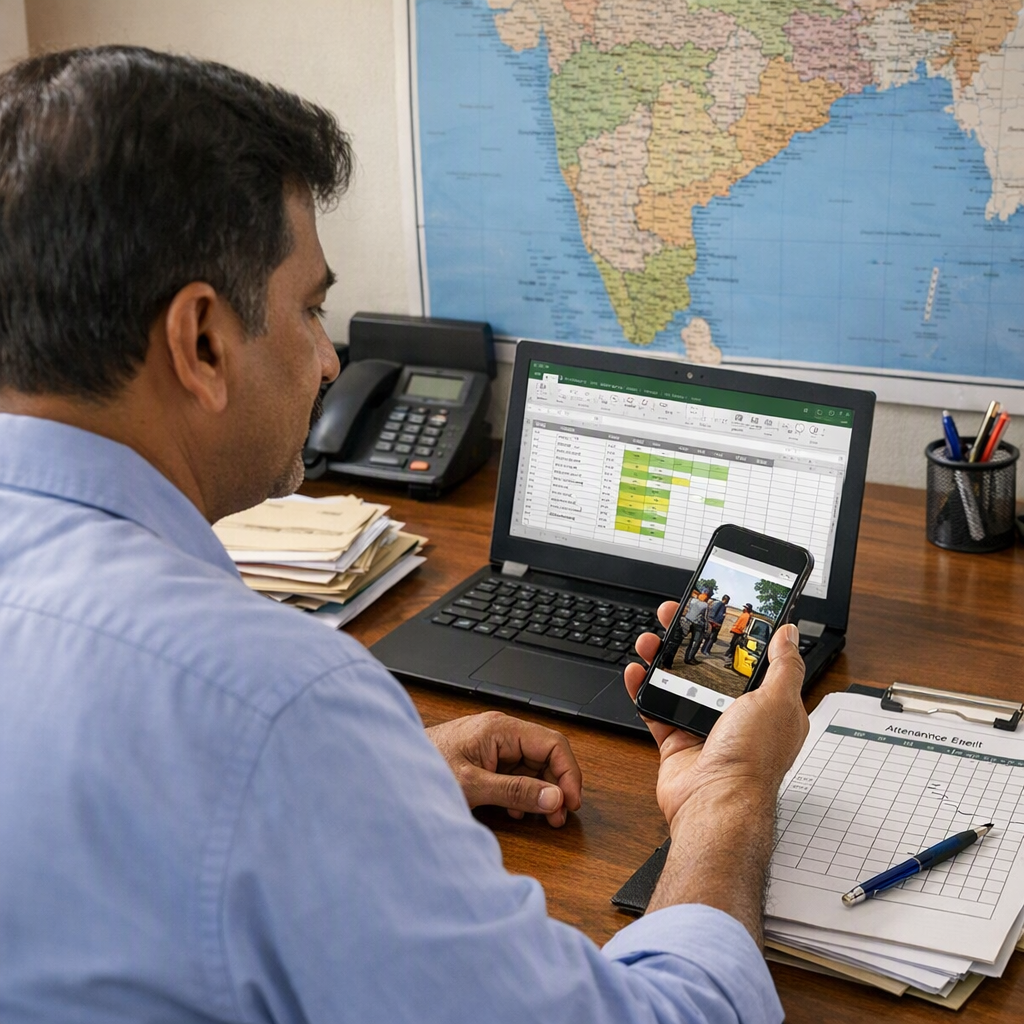
A daily work report format for field staff is a simple daily record of who visited which site, what work was done, how long it took, and what proof was collected. In many Indian teams, this starts in Excel and WhatsApp because both are familiar, fast, and easy to use on the ground.
Key takeaways
- A good daily work report format for field staff should capture staff name, site, task, status, time, proof, and next action.
- Excel works well for office review, while WhatsApp works well for quick updates from the field.
- The best format is short enough for daily use and clear enough for billing, follow-up, and team tracking.
- Standard templates reduce missed updates, duplicate work, and back-and-forth calls.
- Photos, location, and timestamps matter when staff handle site visits, service calls, or client jobs.
- As teams grow, a work-management tool can reduce manual copying between WhatsApp, paper, and Excel.
Why daily work reports matter for field teams
If your field team is small, daily updates often happen informally. One person sends a photo on WhatsApp. Another sends a voice note. A supervisor updates an Excel file in the evening. It works for some time.
Then problems start.
One staff member says the site was closed. The client says nobody came. A technician says material was not available. Accounts asks for job proof before raising an invoice. A manager wants to know why three visits happened for one issue. Nobody has one clean daily record.
That is why a daily work report format for field staff is useful. It gives your team one standard way to report work every day. It helps with visibility, accountability, and follow-up.
For Indian field and service teams, this is especially important when work happens across multiple locations in one day. A pest control team may cover ten societies. An AC service business may have six technicians on city routes. A signage company may send installers to different client sites. In all these cases, daily reporting is not just admin work. It is how the business stays in control.
A good report format should answer basic questions quickly:
- Who went?
- Where did they go?
- What work was assigned?
- What was completed?
- What is pending?
- Was proof shared?
- Is any revisit required?
If your current process depends on memory, scattered chats, or handwritten job cards, daily reporting will feel painful. But if the format is simple and fixed, the team gets used to it quickly.
What to include in a daily work report format for field staff
The format should be practical. Do not ask staff to fill ten unnecessary columns. Ask only for data that helps operations, client communication, billing, or review.
Here are the most useful fields.
Staff and date details
Start with the basics:
- Date
- Staff name
- Employee code or phone number
- Supervisor name
- City or route area
These fields help when many people work across multiple locations. They also make filtering easier in Excel.
Client and site details
Every daily report should clearly show where the work happened.
Include:
- Client name
- Site name or branch
- Site address or area
- Contact person name
- Contact number
This is important because many clients have multiple locations in one city. “Visited HDFC site” is not enough. “Visited HDFC ATM, Andheri East, Marol Naka” is much better.
Work assigned and work done
This is the main part of the report.
Include:
- Job ID or complaint number
- Type of work
- Task assigned
- Work done today
- Status: completed, pending, revisit required, site closed, material pending
- Reason for pending work
The “work done today” field should be specific. “Service completed” is vague. “Indoor unit cleaned, gas pressure checked, capacitor replaced” is clear.
Time and travel details
If your team handles multiple visits in one day, time matters.
Include:
- Check-in time
- Check-out time
- Total time spent
- Travel distance or area covered
- Number of sites visited
You may also include overtime if needed. If your team charges by visit or time spent, this becomes useful for billing and review.
A standardised system with time tracking can reduce manual calculations later, but even a simple Excel format can help if staff enter timings consistently.
Proof of work
For field teams, proof matters a lot.
Include:
- Before photo shared
- After photo shared
- Client signature received
- Location proof
- Material used
If your team works on installations, maintenance, audits, or inspections, proof reduces disputes later. Clients may forget details. Staff may move to the next site. A simple proof field keeps records clean.
Teams that run site work or inspections often need photo and visit records together. That is where structured field visits workflows can help, but the reporting logic remains the same.
Expenses and remarks
This section should be short and optional where possible.
Include:
- Local travel expense
- Material bought
- Cash received
- Remarks
- Next action date
Do not overload the form with too many comment boxes. If remarks are always long and messy, your format needs better status fields.
Daily work report format for field staff in Excel
Excel is a good starting point for teams that want one daily sheet for review. It is familiar, searchable, and easy to share by email or WhatsApp.
The key is to use one row per visit or one row per job update. Do not mix multiple visits in one cell.
Recommended Excel columns
Here is a practical column structure:
- Date
- Staff name
- Mobile number
- Supervisor
- Client name
- Site name
- Area / address
- Job ID
- Work type
- Assigned task
- Check-in time
- Check-out time
- Total hours
- Status
- Work done
- Pending reason
- Photo shared
- Client signature
- Material used
- Expense
- Next action
- Remarks
This format works well for most service and field businesses.
Examples:
- Appliance repair
- Electrical maintenance
- Fire safety visits
- Internet installation
- Housekeeping supervision
- Facility management
- Pest control
- On-site client support
If your team handles repeat jobs, add a “revisit count” column. If you need billing support, add “billable / non-billable” and GST invoice reference later in the office review sheet.
Tips to make Excel usable every day
A daily report sheet fails when it is too complex. Use these simple rules:
1. Use dropdowns where possible
Create dropdowns for status, work type, and pending reason. This avoids spelling variations like “complete”, “completed”, and “done”.
2. Keep one sheet for raw entries
Do not let staff fill multiple tabs. One daily log sheet is easier to maintain.
3. Use filters for supervisor review
At the end of the day, filter by staff name, city, or status. This makes missed jobs visible quickly.
4. Keep date and time formats standard
Use one format across the file. For example, date as DD-MM-YYYY and time as 24-hour format.
5. Store photo proof separately
Excel is not ideal for storing many photos. Keep photos in WhatsApp, Drive, or a work tool, and mention the proof status in the sheet.
If your office team often struggles with too many sheets and unclear job status, a shared system with boards and views can give better visibility than a manually updated workbook.
Daily work report format for field staff in WhatsApp
WhatsApp is the fastest way for field staff to send updates. Most teams already use it. The problem is that updates are not standard. One person sends text. Another sends a photo only. A third sends voice notes with half the details missing.
The solution is not to stop using WhatsApp. The solution is to standardise the message format.
A simple WhatsApp daily update format
Ask each staff member to send one message after every visit or at fixed times.
Use this format:
- Date:
- Staff name:
- Client/site:
- Location:
- Job ID:
- Check-in:
- Check-out:
- Work done:
- Status:
- Pending reason:
- Photo shared: Yes/No
- Client spoken to:
- Next action:
Example:
- Date: 14-09-2026
- Staff name: Rakesh
- Client/site: ABC Pharma, Bhiwandi Unit
- Location: Bhiwandi
- Job ID: SV-218
- Check-in: 11:10 AM
- Check-out: 12:05 PM
- Work done: Water leakage inspection completed, damaged joint identified
- Status: Pending
- Pending reason: Replacement part required
- Photo shared: Yes
- Client spoken to: Mr Shah
- Next action: Revisit tomorrow after part issue
This format is short enough for field use. It also gives the office a standard structure to review.
Best practices for WhatsApp reporting
Use one group for operations, not general chat
Avoid mixing jokes, approvals, attendance, and job updates in the same group. Work updates get buried.
Ask for one update per job, not one long evening summary
Job-wise reporting is more accurate. Evening summaries usually miss details.
Use one status vocabulary
Fix your terms:
- Completed
- Pending
- Revisit required
- Site closed
- Client not available
- Material pending
This reduces confusion during review.
Make photos compulsory for selected job types
For installation, repair, audit, and inspection work, proof should not be optional. If it is optional, people will skip it when busy.
Assign one person to convert WhatsApp updates into the master sheet
If you are still using Excel, someone must own the copy-paste process. If not, reporting becomes a group archive, not an operational system.
Teams that still run work mostly through WhatsApp may find it useful to move updates into a proper mobile app later, especially when the business grows beyond 10 to 15 active field staff.
How to create a daily reporting process that people actually follow
The format matters, but the process matters more. Many owners create a template and then wonder why the team does not fill it properly.
Here is a practical rollout process.
Step 1: Choose one reporting unit
Decide what one report entry means.
It should usually be one of these:
- One site visit
- One service job
- One client task
Do not mix all three in one process unless your work is very simple.
Step 2: Keep mandatory fields under control
Pick only the fields needed every day. If staff need five minutes to send one update, they will delay it.
A good first version has 8 to 12 mandatory fields.
Step 3: Decide reporting time
Choose one clear rule:
- After every visit
- At lunch and end of day
- Before leaving the site
For most field teams, “before leaving the site” works best because details are fresh.
Step 4: Train using real examples
Do not explain the format only in words. Show three good updates and three bad updates. People learn faster from examples.
Step 5: Review for 10 minutes daily
A manager or supervisor should review reports every day. If nobody checks the format, staff stop taking it seriously.
Step 6: Link reporting to next actions
Daily reports should drive decisions:
- Who needs a revisit?
- Which jobs are pending due to material?
- Which clients need an update?
- Which visits need billing proof?
If reports do not lead to action, the team will see them as pointless admin work.
As your process matures, automation can help with reminders and status movement, but first get the reporting habit right.
Common mistakes in field staff daily reports
Most teams do not fail because they have no report format. They fail because the format is unclear or not enforced.
Reports are too vague
“Visited site, work in progress” tells you almost nothing. Always ask for specifics.
Timing is missing
Without time in and time out, it is hard to verify productivity or explain delays.
Status is unclear
“Done” may mean temporary fix, partial completion, or full completion. Use standard status options.
No proof is collected
In many disputes, one photo or one signed confirmation could have solved the issue.
Updates come too late
If the report comes at 10 PM, there is no time to solve material issues or client escalations during the day.
Excel and WhatsApp do not match
This happens when the office updates the sheet later from memory. The best fix is to create one standard source of truth.
Teams handling ongoing service jobs or repeated client work often hit this problem first because there are many small updates across the day.
When Excel and WhatsApp stop being enough
Excel and WhatsApp are useful starting points. They are cheap, familiar, and fast. But they become difficult as volume grows.
You may need a better system when:
- Supervisors cannot track live status
- Job updates get lost in chats
- Excel files are updated late
- Proof photos are scattered across phones
- Billing and reporting take too much manual work
- Managers want simple summaries by staff, area, or status
At that stage, it helps to move from a message-based process to a work-based process. Each job or visit should have a clear owner, status, proof, and timeline.
A system with features built for task boards, field work, and daily tracking can reduce manual follow-up. Better reporting also helps owners answer simple questions faster, such as which visits were completed today, which jobs are pending, and which staff members need support. If you are still deciding whether basic tools are enough, this guide on free vs paid can help you think through the trade-offs.
A simple template you can start using today
If you want a practical starting point, use this daily work report format for field staff:
- Date
- Staff name
- Client / site
- Location
- Job ID
- Task assigned
- Check-in time
- Check-out time
- Work done
- Status
- Pending reason
- Photo shared
- Client confirmation
- Material used
- Next action
- Remarks
This works in both Excel and WhatsApp. That is the key advantage. You do not need two separate reporting systems in the beginning.
Start with one week of testing. Then review:
- Which fields were skipped most?
- Which fields created confusion?
- Which status labels were unclear?
- Which reports helped supervisors make decisions?
The best format is not the longest format. It is the one your team can fill correctly every day.
If you want to move beyond copy-pasting updates into sheets, you can see the product tour or compare options on pricing.
Frequently asked questions
What is the best daily work report format for field staff?
The best format is short, clear, and consistent. It should capture staff name, site, task, time, status, proof, and next action. If your team cannot fill it in under a few minutes, it is probably too long.
Should field staff report in Excel or WhatsApp?
Use WhatsApp for quick updates from the ground and Excel for review if your team is still small. But keep the same fields in both places. If the formats differ, the office will lose time copying and correcting entries.